AnyDesk Address - ID and Alias
Each AnyDesk client is identified by a unique address used to establish remote connections. This address can be either a numeric AnyDesk ID or a user-defined Alias.
🦉 To learn how to connect to a remote device, see this article.
| Address Element | Example | Editable | Requirements | Notes |
| AnyDesk ID | 123 456 789 |
No | None | Randomly generated |
| Alias in Public Namespace | laptop01@ad |
No | Default for all users | Up to 3 aliases per ID |
| Alias in Custom Namespace | laptop01@yourcompany |
Yes | Paid license + custom Namespace add-on | Managed via our support team |
AnyDesk ID
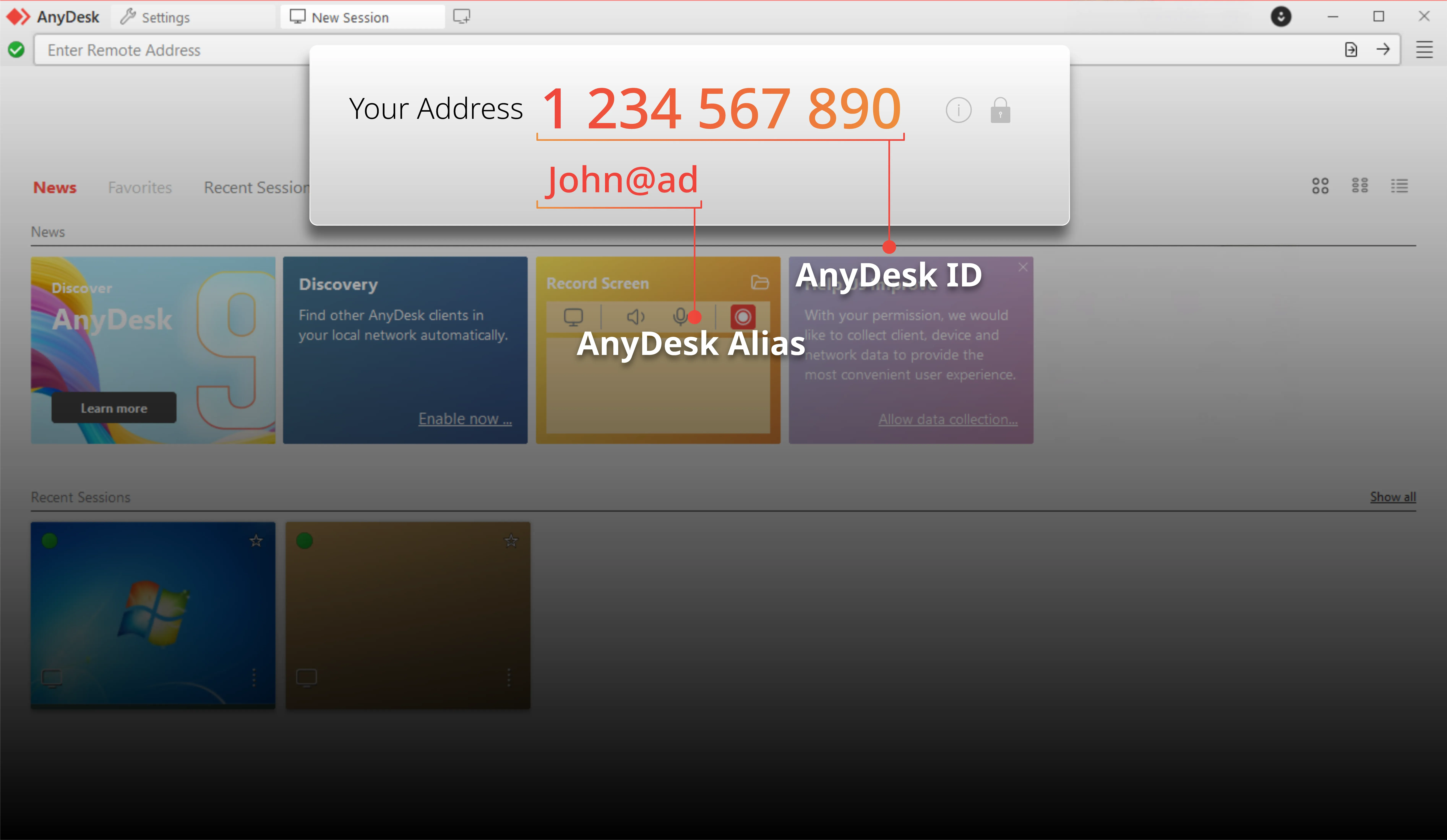
The AnyDesk ID is a numeric address automatically assigned to every AnyDesk app installed on a device. It serves as the primary identifier.
AnyDesk Alias
The AnyDesk Alias consists of your device’s username and a Namespace: <username>@<namespace>, e.g., John@ad.
Public Namespace
The default public Namespace is @ad. Aliases in the public @ad namespace are permanently assigned to the specific AnyDesk ID they were created for.
Custom Namespace
A Custom Namespace allows you to specify an individual name available only to you (e.g., YourName@CompanyName). This enhances security and device identification.
💡 IMPORTANT
To acquire a custom namespace, please contact our Sales team or your authorized partner. Professional registration ensures your namespace is correctly configured for your organization.
FAQ
Is a paid license required for a custom Namespace?
Yes, a paid license and a custom Namespace add-on are required.
How do I get a custom Namespace?
Please contact our team or your official partner. Our experts will handle the registration process for you.
Can I edit my AnyDesk ID?
No, the numeric AnyDesk ID is fixed for each installation and cannot be changed.
Click to continue reading
- Published at