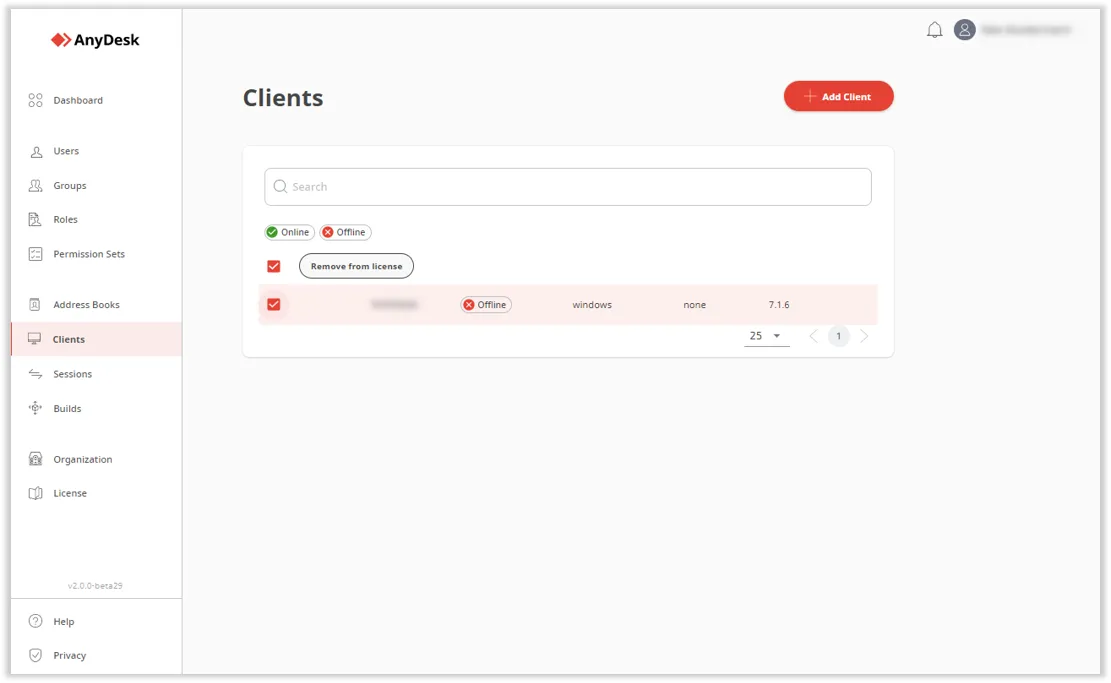
You can remove a device from your license, if you want to replace an existing device or add a different device to your license. Once removed, the AnyDesk client and the device will be unlinked from the user account and assigned to the free version of AnyDesk.
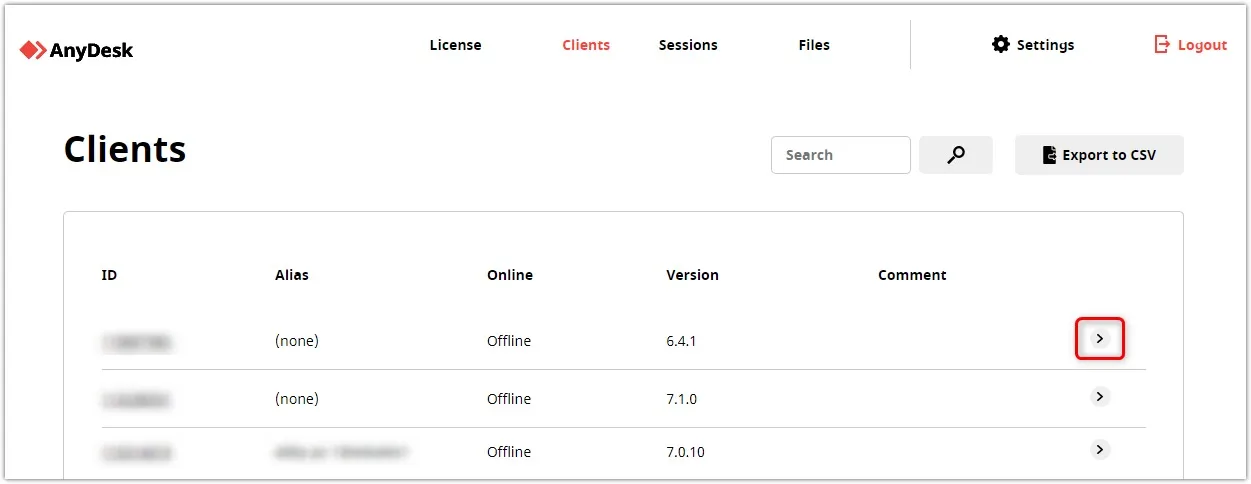
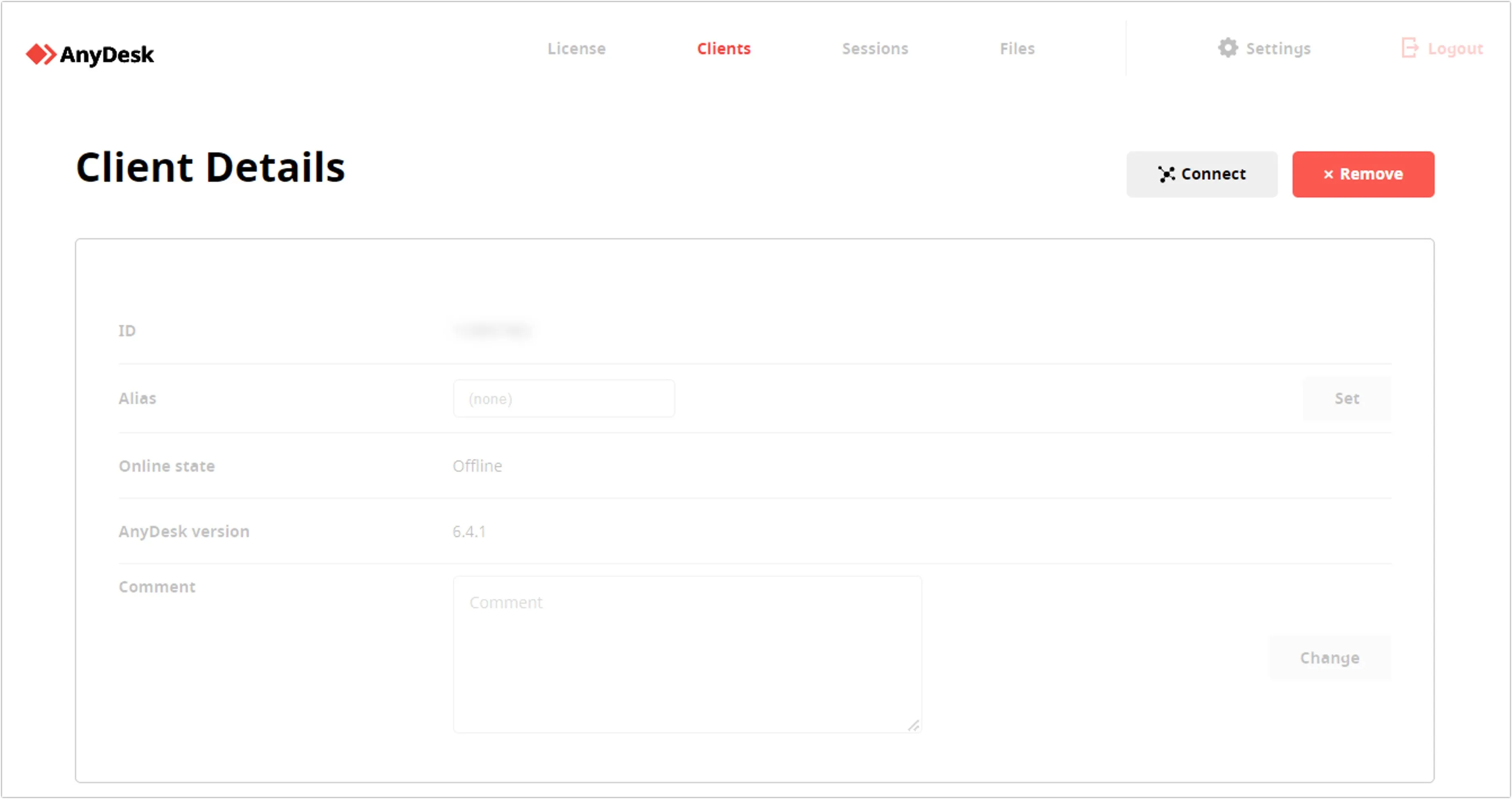
There are two ways of removing the license from your device. In this article, we provide more information on how to remove devices from your AnyDesk license via the AnyDesk client and the my.anydesk management portal.
💡 NOTE
Basic AnyDesk functionalities will remain, such as the ability to create or accept AnyDesk connection requests.
Remove license from devices via the AnyDesk client
To remove a device from the license via the AnyDesk client, please follow these steps:
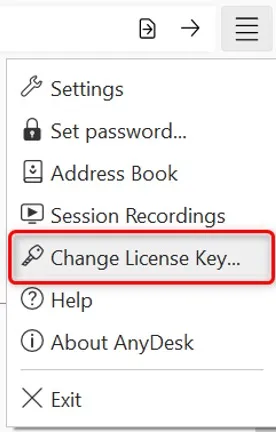
Open your AnyDesk client. In the upper-right corner of the client, click settings button > Change License Key….
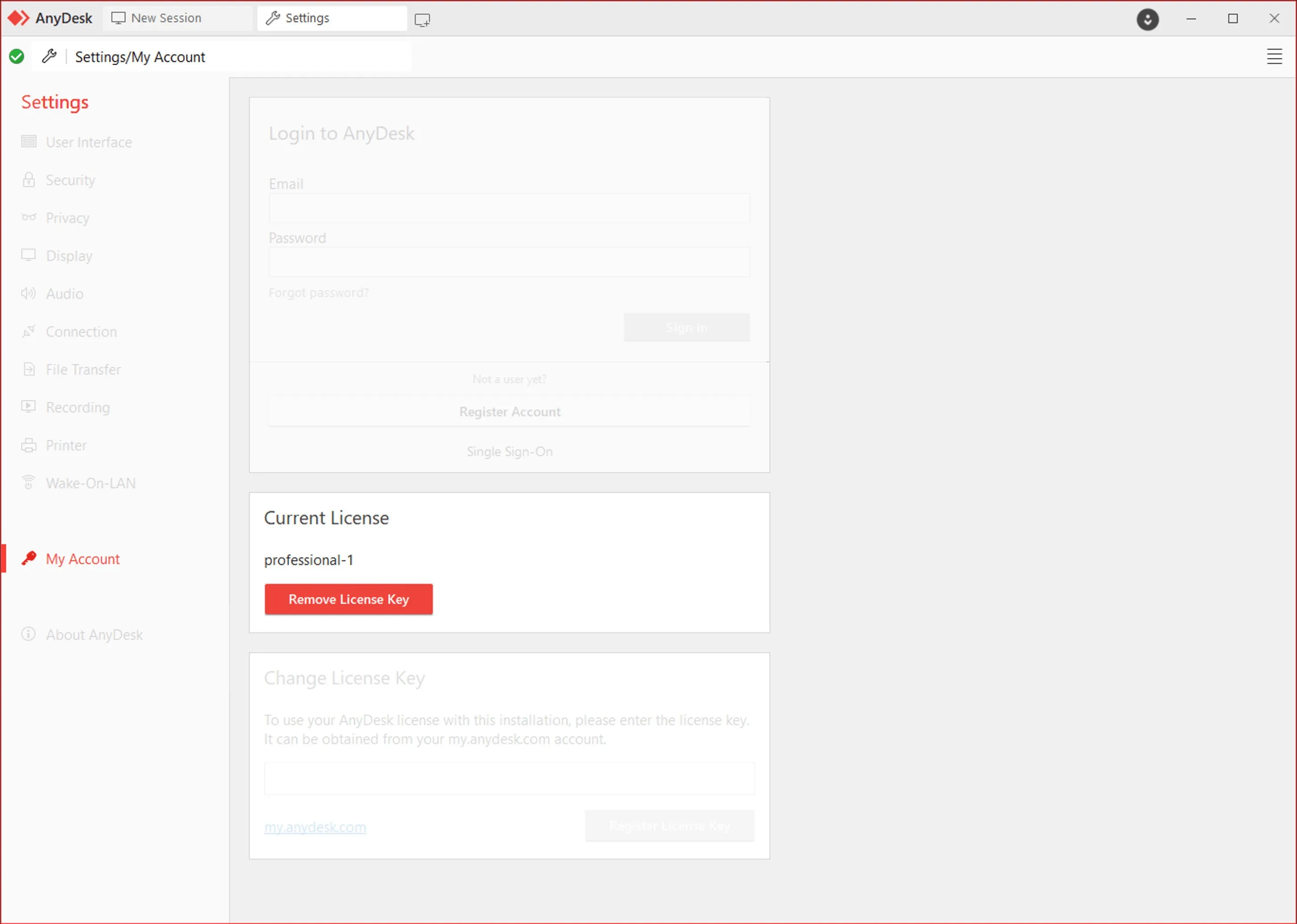
In the Current License section, click on Remove License Key.
After that, the AnyDesk client and the device will be unlinked from the account and assigned to the free version of AnyDesk with basic features.