Enable multifactor authentication (MFA) for your account
Table of content
Add an extra layer of protection to your AnyDesk account by enabling MFA. After entering your email and password, you’ll also need to provide a code from your authenticator app.
💡 NOTE
Before setting up the MFA, install an authenticator app (e.g., Google Authenticator or Authy) on your mobile device.
Activate multifactor authentication
To activate multifactor authentication:
Sign in to my.anydesk II using your AnyDesk account credentials.
In the upper-right corner of the page, click your name and then select My profile.
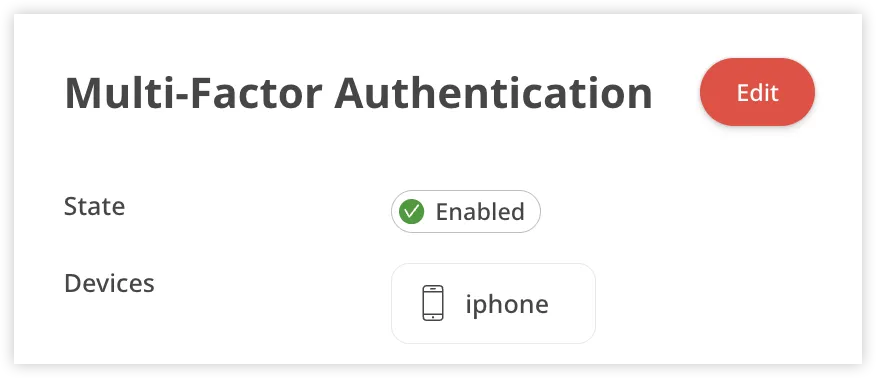
In the Multi-Factor Authentication section, click Edit.
Open the authenticator app on your mobile device, scan the QR code and do the following:
Specify the Device Name.
Enter the Code from authenticator app. multifactor authentication