AnyDesk VPN
The AnyDesk VPN creates a private network between local connecting and remote clients. It is not possible to access devices on the remote client’s local network or vice versa.
Note: The AnyDesk VPN is currently available on installed macOS, Linux, and Android clients.
Start a VPN connection
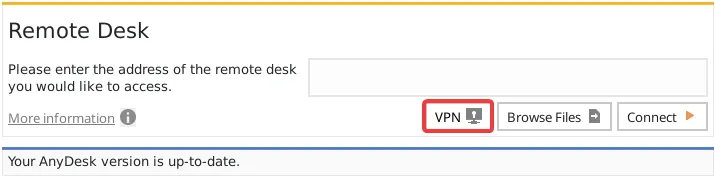
The AnyDesk VPN can be started directly through the VPN button in the main window by entering the ID/Alias of the remote device and pressing “VPN” instead of “Connect”.
VPN Settings
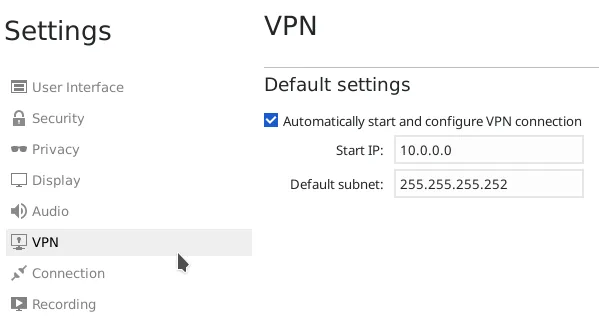
AnyDesk VPN is automatically configured, but the configuration for starting IP-address and subnet mask can be changed in the settings dialog if needed.
Use Cases
After successfully connected over VPN, the following Programs can be used over VPN.
SSH
- Access the Remote Device over SSH
Gaming
- Access a LAN-Multiplayer Game over the Internet
Click to continue reading
- Published at