AnyDesk account
You can use AnyDesk without having an account. Alternatively, you can create a user account and benefit from a wider set of features and possibilities.
🦉 To learn how to create an AnyDesk account, see this article.
Advantages of having an AnyDesk account
With a free account, you can:
- Stay connected to remote devices for longer sessions
- Create an Address Book to manage frequently accessed devices
- Enable multifactor authentication (MFA) for secure logins
- Access my.anydesk.com for detailed session and client information
With a paid license, you can also:
- Monitor all active AnyDesk clients
- Assign User Permissions to manage organization-level settings
- Set up Single Sign-On (SSO) for simplified access
- View detailed connection reports, including duration, timestamps, and device information
Access Your AnyDesk Account
You can sign in to your account through:
- AnyDesk client (version 7.1.0 or later)
access account client-1 - my.anydesk II management console
access account client-2
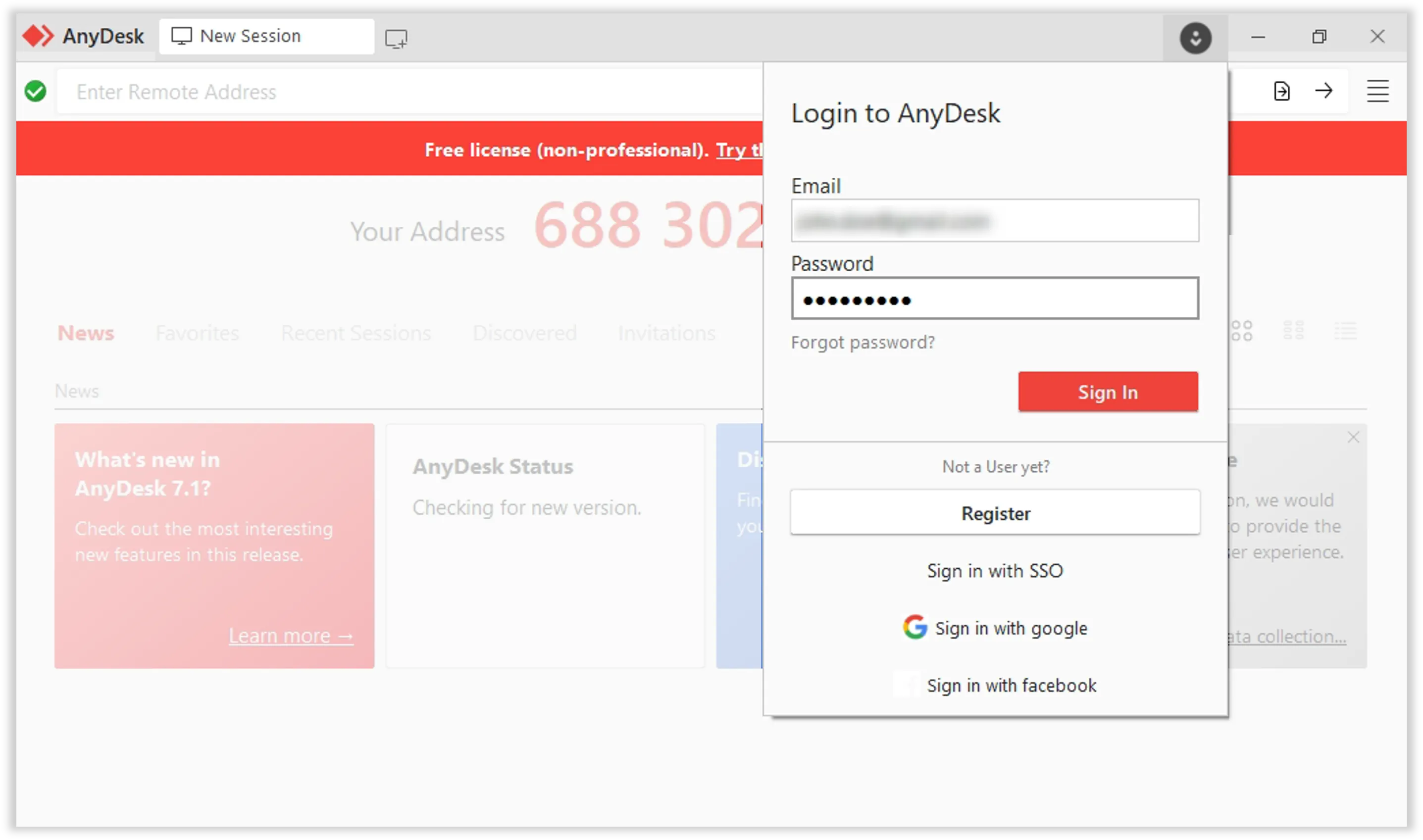
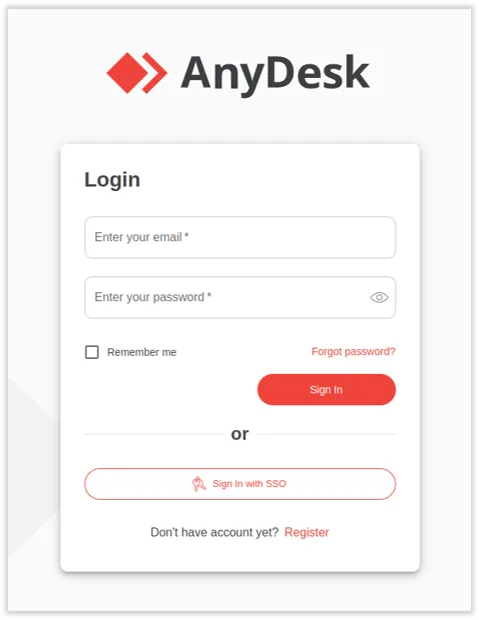
View your profile in my.anydesk
To view your account details:
-
Sign in to my.anydesk using your AnyDesk account credentials.
-
In the upper-right corner of the page, click your name and select My profile.
-
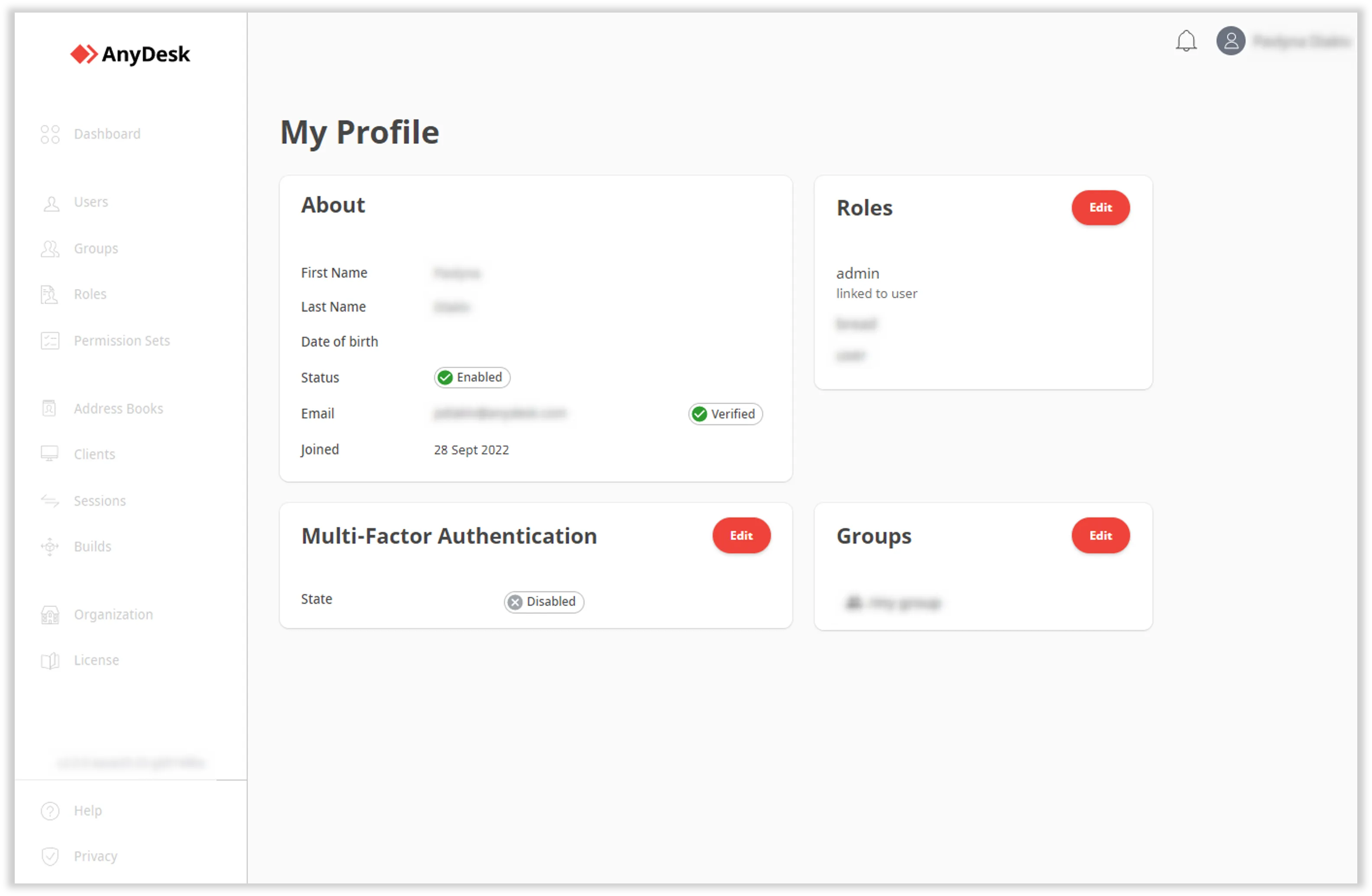
You will then be able to see the following information:
- About - view your personal details, such as your name, email address, date of birth, status, and the date you joined.
- Roles - view all roles that you are assigned to within my.anydesk II.
- Groups - view all the groups that you are a member of within my.anydesk II.
- Multi-Factor Authentication - view the status of MFA and enable it.
my profile
A feature that lets you save and organize your contacts, which you can group using tags, for quick and easy access to remote devices.
Settings that define what actions users can perform within the AnyDesk application, such as accessing certain features.
Click to continue reading
- Published at