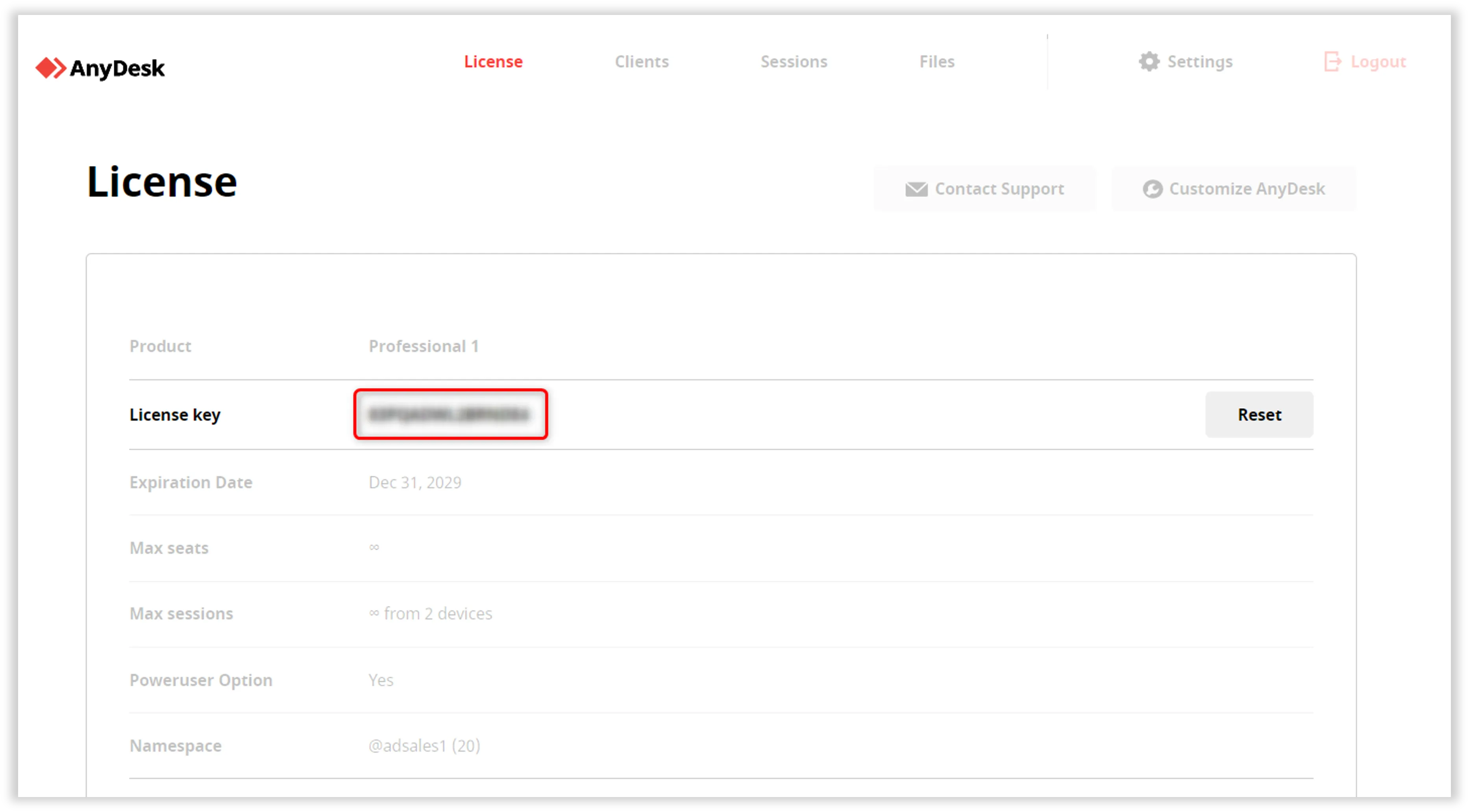
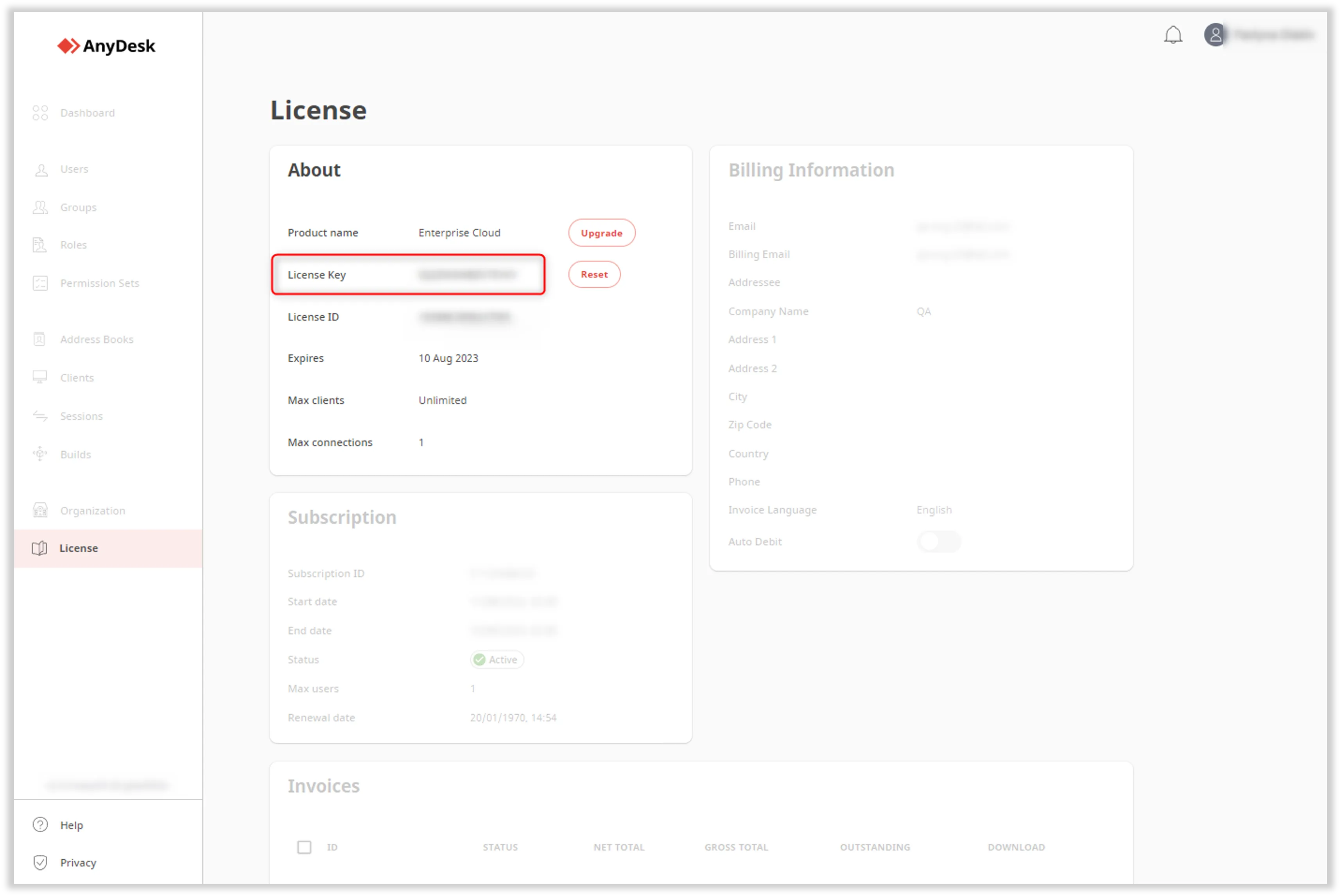
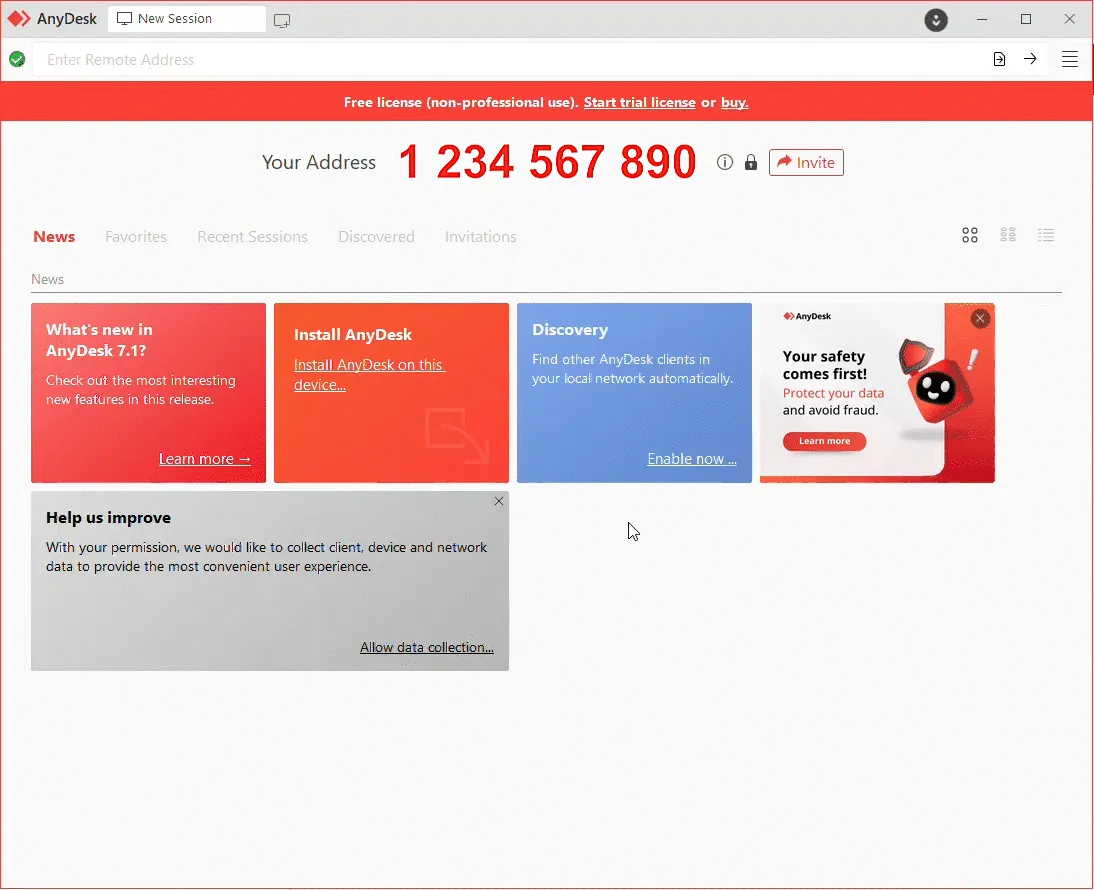
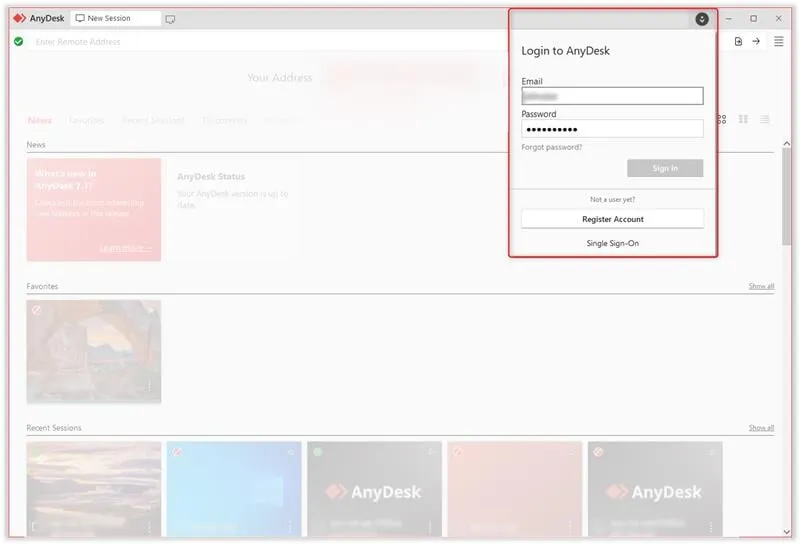
Once you purchase an AnyDesk license, you must register it in the AnyDesk client. This step is required to unlock all features included in your license.
Register the license key in the AnyDesk client
You can manually register your license by copying and pasting the key into the AnyDesk client.
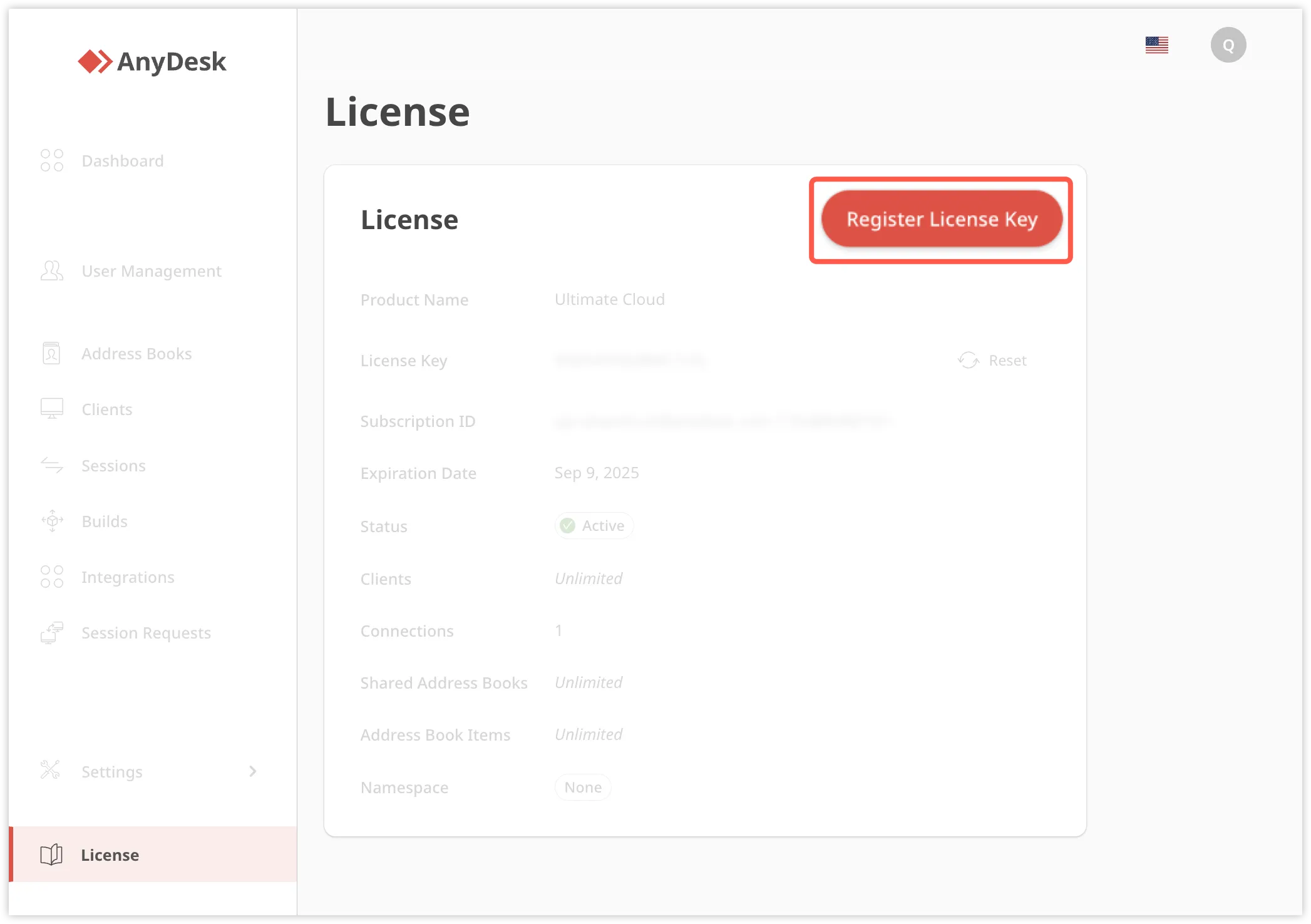
Go to the License tab, and click Register License Key.
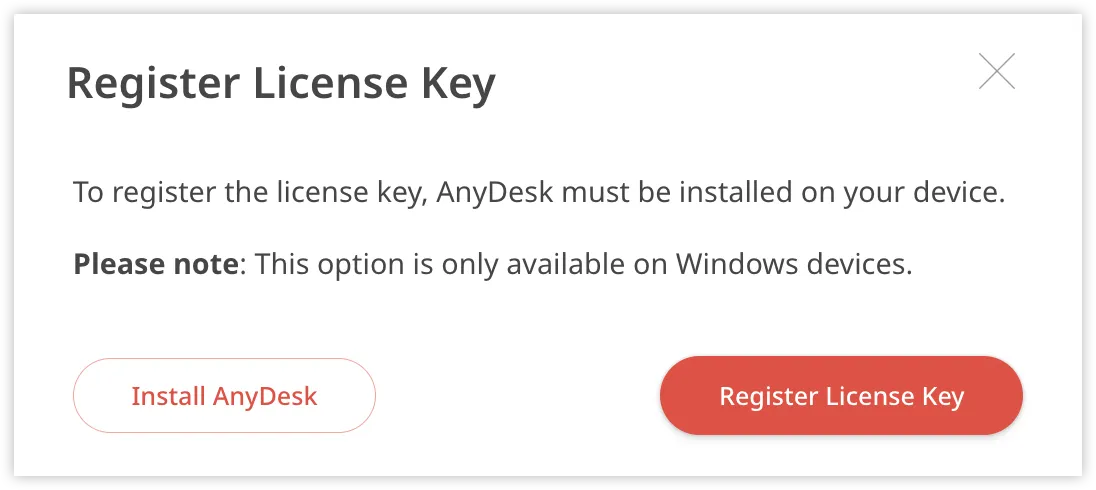
In the dialog, click Register License Key again to confirm.
When prompted by your browser, click Open to allow AnyDesk to launch.
Once confirmed, the license key will be registered to your AnyDesk client.
Pre-apply license to a custom AnyDesk client
You can apply your license to custom AnyDesk clients when creating them on my.anydesk.com. The license is added automatically during client creation, so the AnyDesk client is ready to use after installation.
💡 NOTE
For details on how to create custom clients, see this article.