Invite users to a team
License: Standard or Advanced
Relevant for: License or team owner
In my.anydesk II, license and team owners can add or invite users to their team. Learn how to set up a Team, see this article.
Inviting users
To invite users to your team:
-
Go to my.anydesk II and open the Users tab.
-
Click Invite user.
-
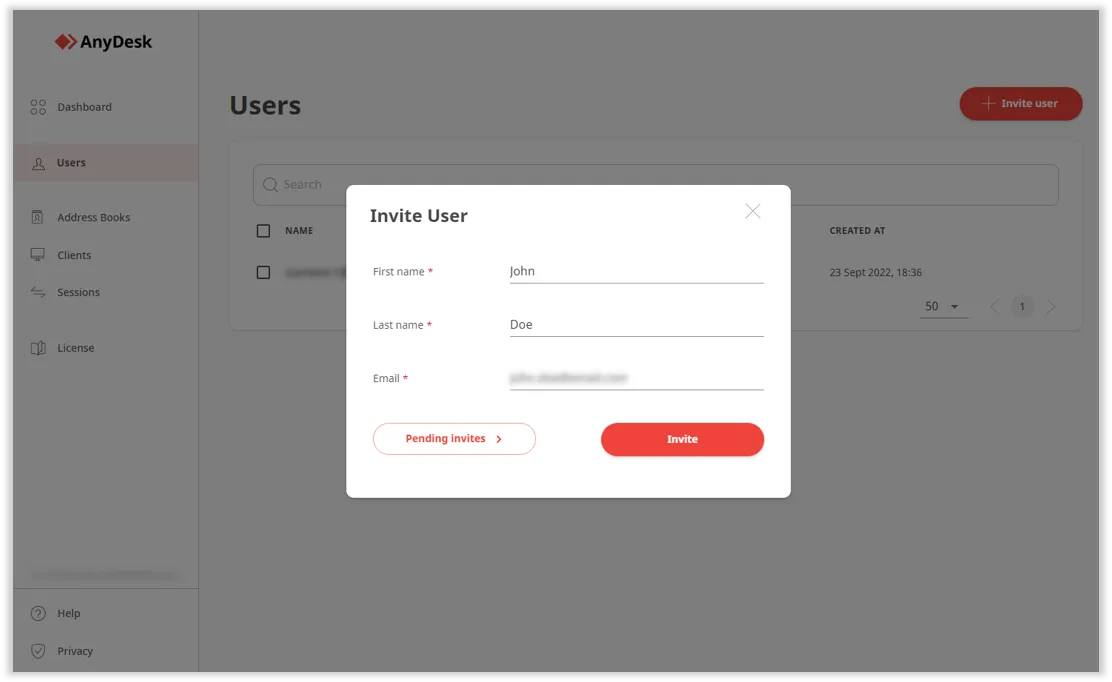
In the pop-up window, provide the following information:
- First name - enter the user’s first name.
- Last name - enter the user’s last name.
- Email - enter the user’s email address.
invite a user
-
Click Invite.
The invited user will receive an email with a request to join your team in AnyDesk.
Click to continue reading
- Published at